Home AI Tools About Submit Your AI

Otter.ai

Productivity Pricing: Free/$17
4.5

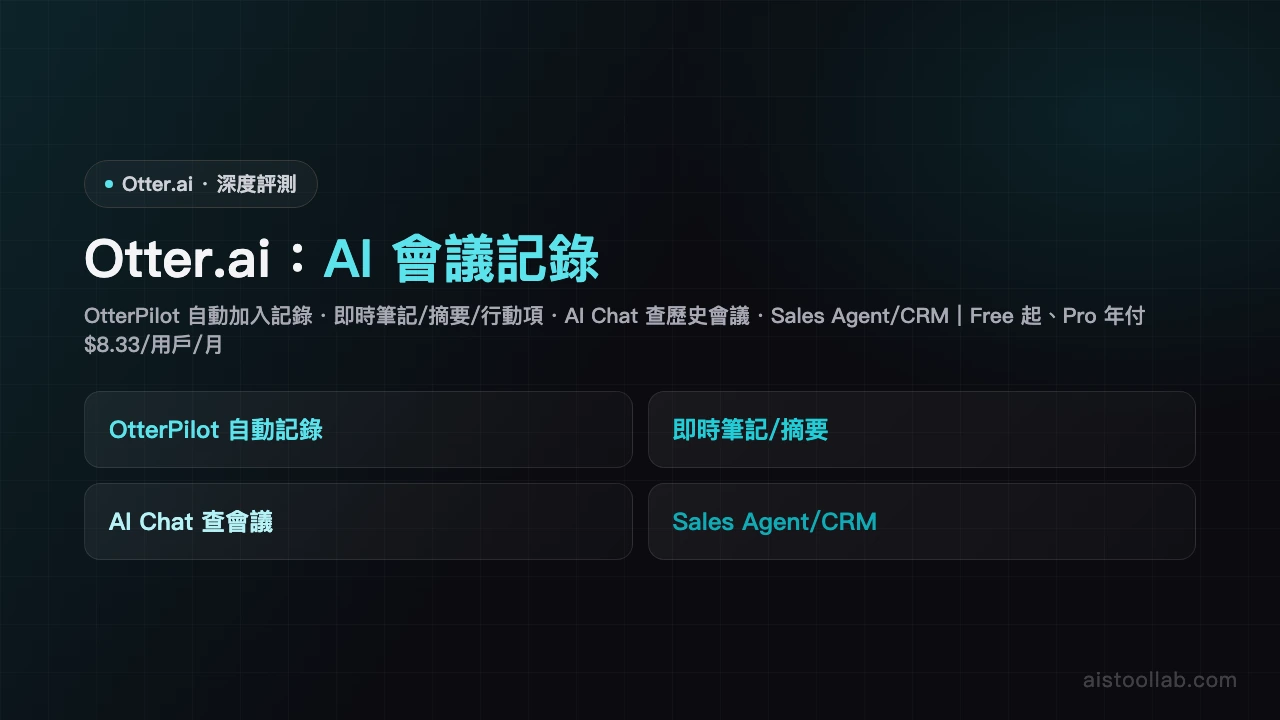
AI meeting notes and transcription with real-time transcripts, summaries and action items for Zoom and Teams.

Visit Tool
Otter.ai - AI's Tool Lab
In-Depth Review
Otter.ai Review - AI Meeting Transcription Tool Otter.ai Review: Your AI Meeting Assistant That Actually Works If you're drowning in back-to-back meetings and struggling to keep up with notes, Otter.ai might be the productivity lifeline you've been waiting for. This AI-powered transcription tool has gained considerable traction in the business world, and after thoroughly testing its capabilities, it's easy to see why. With a solid 4.5/5 rating from users, Otter.ai delivers real value for meeting-heavy professionals who need to stay organized without sacrificing focus during discussions. What Makes Otter.ai Stand Out At its core, Otter.ai does one thing exceptionally well: it listens so you don't have to frantically scribble notes. The platform integrates seamlessly with Zoom and Microsoft Teams, automatically transcribing conversations in real-time with impressive accuracy. But transcription is just the beginning. The tool intelligently extracts action items, identifies speakers, and generates comprehensive summaries—all without requiring manual input from you. The real magic happens in the automation department. Instead of spending 30 minutes after each meeting reviewing recordings and manually creating summaries, Otter.ai delivers these within minutes. For managers juggling multiple projects and teams, this time-saving aspect alone justifies the investment. Features That Deliver The standout features include: Real-time transcription with speaker identification for multiple participants Automatic extraction of action items and assigned owners AI-generated meeting summaries highlighting key discussion points Searchable transcript archives for future reference Direct integration with Zoom, Teams, and Calendar applications Collaboration features allowing team members to comment and highlight important sections The accuracy of transcription is generally excellent for English-language meetings, making it reliable for professional environments where clarity is critical. User Experience and Navigation Otter.ai's interface is intuitively designed. Setup takes minutes—simply authorize the app with your Zoom or Teams account and let it handle the rest. The dashboard organizes past meetings chronologically, with clear labeling and easy search functionality. You can jump to specific moments in conversations, making it simple to clarify details without re-listening to entire meetings. The Limitations Worth Knowing However, it's not perfect. The most significant limitation is its struggle with Traditional Chinese recognition accuracy, which substantially narrows its usefulness in certain markets and multinational organizations with Chinese-speaking teams. Additionally, while English transcription is excellent, the tool is primarily optimized for English-language environments. Users in non-English markets may experience reduced accuracy and fewer feature optimizations. Pricing Breakdown The free tier offers a solid starting point for casual users, providing basic transcription and summaries. The $17/month paid plan unlocks premium features including unlimited transcription, advanced search, and integration capabilities—a reasonable investment for professionals who attend multiple meetings weekly. Who Should Use This Otter.ai is purpose-built for business professionals and managers in meeting-heavy roles. Sales leaders, project managers, executives, and remote team coordinators will find tremendous value. If you attend 5+ meetings weekly and currently waste time on note-taking, this tool is worth trying immediately. Final Verdict Otter.ai is a genuinely useful tool that solves a real problem for busy professionals. While language limitations exist, the core functionality is solid and the time savings are substantial. For English-speaking business environments, it's a strong productivity investment that pays dividends quickly.
Pros & Cons
Pros
  • Auto transcribes meeting notes
  • Automatic action item extraction
Cons
  • Low Traditional Chinese recognition accuracy
  • Primarily for English environments
Best For
Business professionals and managers in meeting-heavy roles
FAQ
The free plan includes 600 minutes of transcription per month. If you need more, you can upgrade to a paid plan or wait for your monthly quota to reset. Paid plans offer 6,000+ minutes monthly depending on the tier.
Otter.ai primarily supports English transcription with limited Chinese language support. If your meetings are mainly in Chinese, you may want to consider alternative tools or complementary transcription services.
The AI-powered summaries and action items typically capture main points accurately, but may occasionally miss details or misinterpret context. It's recommended to manually review and edit summaries before sharing, especially for critical meetings.
Otter.ai offers direct integration with Zoom and Microsoft Teams, allowing one-click recording during meetings. Google Meet integration is more limited and may require alternative recording methods.
Otter.ai is known for its intuitive interface and strong English transcription capabilities, plus a generous free tier. Fireflies.ai excels in multilingual support and may offer better pricing. Your choice depends on your specific needs, especially regarding language support and budget.

Ready to try Otter.ai?

Get started for free today

Visit Tool
返回頂端