
Adobe Firefly
Adobe's generative AI (current Firefly Image 4 + Video model) for text-to-image/video, generative fill and outpainting, integrated with Creative Cloud; credit-based.
Visit Tool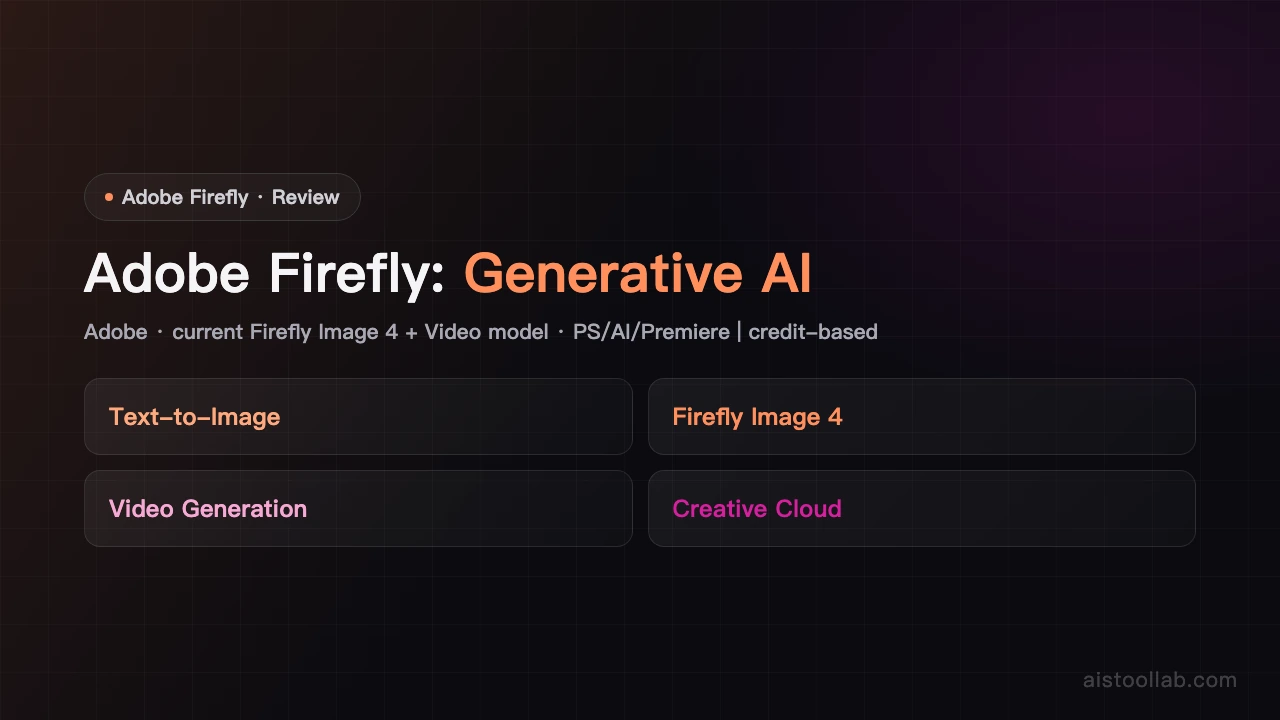
In-Depth Review
Adobe Firefly Review: Adobe's Generative AIAdobe Firefly is Adobe's generative AI; the current models are Firefly Image 4 and the Firefly Video Model, supporting text-to-image/video, generative fill and outpainting, and integrated deeply with Creative Cloud (Photoshop, Illustrator, Premiere Pro, Adobe Express). It uses a generative-credit system. Compiled from official and public sources; specs and pricing per the official site and subject to change (verified 2026-06-06).Core featuresText-to-image: the Firefly Image 4 model.
Video generation: Firefly Video Model (text/image-to-video).
Generative editing: generative fill, inpainting, outpainting.
Creative Cloud integration: use inside PS/AI/Premiere/Express.ExperienceIntegration with the Adobe workflow is the biggest advantage; credit-based, so watch your allowance for heavy use.PricingThere is a free plan and several paid plans (with Creative Cloud integration and generative credits). Actual plans and prices per the official site; currency varies by region and is subject to change (firefly.adobe.com).Who it's forAdobe Creative Cloud users and creators who need commercially oriented generation integrated into the design workflow.Bottom lineAdobe Firefly (current Image 4 / Video model) excels at Creative Cloud integration; plans and credits per the official site.
Pros & Cons
Pros
- Strong Adobe ecosystem integration
- Commercial-safe licensed assets
Cons
- Requires Creative Cloud subscription
- Less stylistic variety than Midjourney
Best For
Adobe Creative Cloud users and commercial designers
FAQ
The current models are Firefly Image 4 and the Firefly Video Model (per the official site).
A free plan and several paid plans (with Creative Cloud integration and credits); actual prices per the official site; subject to change.
Text-to-image/video, generative fill and outpainting, usable inside Photoshop/Illustrator/Premiere.
Yes, a free plan; more generation needs a paid plan (per the official site).
Adobe.