Home AI Tools About Submit Your AI

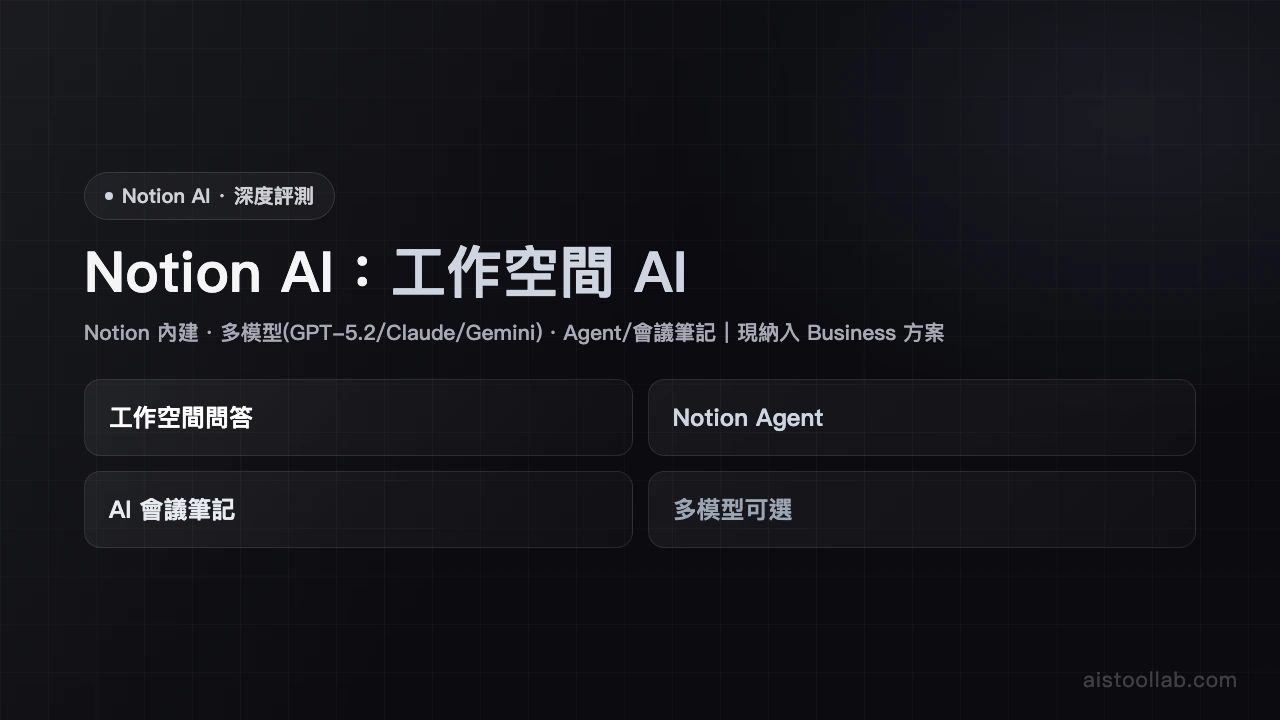
Notion AI

Productivity Pricing: Free/$10
4.6

Note-taking and knowledge management with AI for auto-summarizing, translating and drafting documents.

Visit Tool
Notion AI - AI's Tool Lab
In-Depth Review
Notion AI Review - AI's Tool Lab Notion AI: Comprehensive Review Notion AI represents a significant leap forward for one of the web's most popular productivity platforms. By integrating artificial intelligence directly into Notion's note-taking and knowledge management ecosystem, it transforms how users capture, organize, and work with information. Whether you're a solo entrepreneur or part of a larger organization, Notion AI promises to streamline your workflow in ways that traditional note-taking apps simply cannot match. Overview and Pricing Notion AI is available in two tiers: a free version that provides basic functionality, and a premium option at $10 per month that unlocks advanced AI capabilities. This tiered approach makes it accessible for casual users while offering robust features for serious professionals. The modest pricing for premium features represents excellent value compared to competing AI-powered productivity tools, particularly given Notion's already powerful foundation. Core Features That Stand Out The standout feature of Notion AI is its seamless integration with your existing workspace. Unlike standalone AI tools, Notion AI works directly within your documents, databases, and projects. The auto-summarizing capability is genuinely impressive—it can condense lengthy notes or documents into concise summaries in seconds. The translation feature supports multiple languages, making it invaluable for global teams. Additionally, the drafting assistance helps users overcome writer's block by generating document outlines, email templates, and content suggestions. Beyond these core offerings, Notion AI leverages the platform's powerful database features. You can create sophisticated databases with custom properties, linked records, and filtered views, all enhanced by AI-powered insights. This combination creates a truly powerful knowledge management system. User Experience: Learning Curve Included Here's the honest assessment: Notion AI works best when you've already embraced Notion's ecosystem. The platform has a distinctive way of organizing information that differs from traditional note-taking apps like OneNote or Evernote. New users will need time to understand how databases, properties, and relations work. This learning curve isn't insurmountable, but it's worth acknowledging. Once you're comfortable with Notion's logic, however, the AI integration feels natural and genuinely helpful rather than bolted-on. The interface itself is clean and intuitive. AI features are accessible through straightforward commands and buttons, making it easy to invoke assistance when needed. Who Should Consider Notion AI? Notion AI is ideally suited for knowledge workers and project managers who manage complex information landscapes. Writers, researchers, and content creators will appreciate the drafting and summarization tools. Team leaders managing projects will benefit from the database features combined with AI insights. If you're already using Notion, upgrading to include AI is a natural and worthwhile progression. Casual note-takers or those seeking a quick, simple solution may find the learning requirements unnecessarily burdensome. For them, simpler alternatives might be more appropriate. The Verdict Notion AI earns its 4.6/5 rating by delivering genuine utility in a thoughtfully integrated package. The combination of powerful note-taking, database management, and AI assistance creates a compelling productivity platform. While the system requires some adaptation and premium features cost extra, the investment pays dividends for professionals managing significant information volumes. If your workflow involves complex knowledge management, Notion AI is absolutely worth exploring.
Pros & Cons
Pros
  • Seamless notes and AI integration
  • Powerful database features
Cons
  • Requires adapting to Notion system
  • Advanced AI features cost extra
Best For
Knowledge workers and project managers
FAQ
The free version provides basic AI features but has a monthly limit on AI requests. For unlimited AI usage, you can upgrade to the paid plan ($10/month), which also includes advanced features and priority support.
Notion AI supports translation for multiple languages including Chinese, English, Japanese, Korean, Spanish, and more. Translation quality may vary depending on the content and language pair.
Yes, absolutely. Notion AI integrates seamlessly with Notion's collaboration features, allowing team members to co-edit documents, auto-summarize meeting notes, and share knowledge bases together. It's ideal for team productivity.
Notion AI's advantage is its seamless integration directly into your notes and databases, eliminating the need to switch apps. It focuses on document summarization, translation, and database analysis, while ChatGPT is a more general-purpose conversational AI. Choose based on your workflow needs.
Create a Notion account first, then click the 'Ask AI' button on any page or database to start using it. Free users can try limited AI features, while paid users enjoy full functionality and unlimited requests.

Ready to try Notion AI?

Get started for free today

Visit Tool
返回頂端