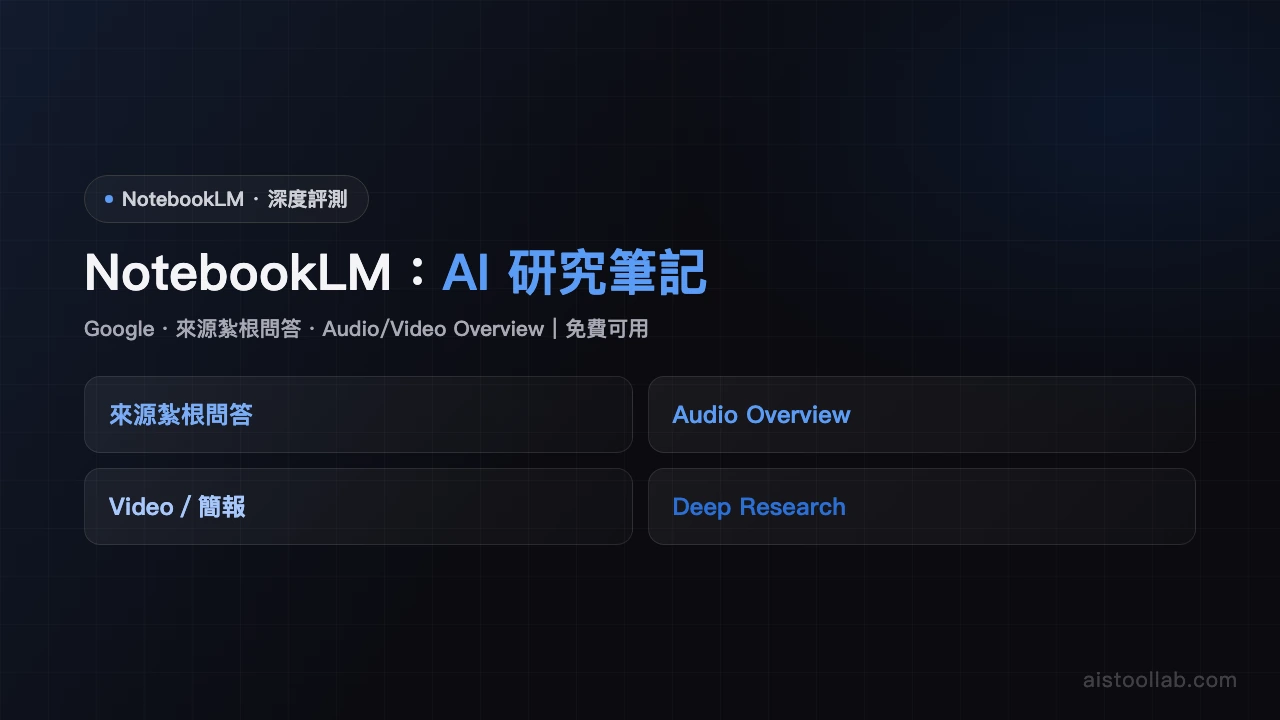
NotebookLM
Google's AI research assistant: upload PDFs, docs, or URLs to ask questions, generate summaries, and create audio overviews. Built for researchers, students, and knowledge workers.
Visit ToolIn-Depth Review
NotebookLM Review: Google's Free AI Research Assistant
In an era where information overload is the norm, researchers and students face an ever-growing challenge: how to efficiently process and extract insights from massive document collections. Google's NotebookLM presents itself as a solution to this problem, offering a free AI-powered research assistant that transforms how knowledge workers interact with their source materials. After thorough testing, we've found this tool to be a genuinely useful addition to any researcher's workflow, though it does come with notable limitations worth understanding.
What Is NotebookLM?
NotebookLM is Google's answer to the research document management problem. It's an AI research assistant that lets you upload documents, PDFs, or point it toward URLs, then ask questions about that content, generate summaries, and create something genuinely innovative: podcast-style audio overviews. The tool is completely free and requires nothing more than a Google account to get started. The premise is simple yet powerful—organize your research materials and let AI handle the heavy lifting of information synthesis.
Core Features in Action
The interface is refreshingly straightforward. You create a "notebook," upload your documents or paste URLs, and immediately begin interacting with your content through a chat interface. This simplicity is intentional and effective; there's no steep learning curve.
Document Upload and Management: NotebookLM supports PDFs, Google Docs, text files, and URLs. You can upload multiple documents simultaneously, creating a unified knowledge base from disparate sources. The tool handles document processing smoothly, though very large files or unusual formats may occasionally cause hiccups.
Multi-Document Q&A: The real value emerges when you start asking questions. Unlike searching within individual documents, NotebookLM synthesizes answers across all uploaded materials. Ask about a concept mentioned in three different research papers, and it draws connections across all of them. This cross-document understanding significantly reduces the time needed to find related information scattered across multiple sources.
Audio Overviews: Perhaps NotebookLM's most innovative feature is the ability to generate podcast-style audio summaries. The system creates a scripted conversation between two AI hosts discussing your document's key points. While the voices sound artificial (they're clearly synthetic), the format itself is genuinely useful for getting quick overviews while commuting or multitasking. The quality of these summaries varies depending on document complexity, but they're consistently useful.
Notebook Organization: You can create multiple notebooks for different projects, keeping research organized and separate. This prevents your AI assistant from confusing sources across different research areas.
AI Capabilities and Limitations
NotebookLM relies on Google's PaLM model (though updates suggest evolution toward Gemini integration), which provides solid language understanding and reasoning capabilities. The AI excels at synthesizing information, identifying key themes, and answering specific questions about your documents. Accuracy is generally high when dealing with straightforward factual content.
However, there's a critical limitation: NotebookLM cannot access live web content or perform real-time searches. It works exclusively with materials you've uploaded. This means you cannot ask it to research current events or access information beyond your document set. For researchers who need up-to-the-minute information, this is a significant constraint. You must manually add new sources; the tool won't automatically stay current.
Another notable limitation is inconsistent performance with non-English languages, particularly Chinese. While the tool supports multiple languages, English-language documents receive noticeably better processing and more nuanced understanding. If your research spans multiple languages, this may create friction.
Pricing: A Genuine Free Tier
NotebookLM is completely free. There's no premium tier, no hidden costs, and no limitations based on the number of notebooks or documents you can upload. This generosity is remarkable in the AI tools landscape and makes trying NotebookLM a zero-risk proposition. Google's approach here is refreshing—they're clearly willing to subsidize this tool as part of their broader AI platform strategy.
Who Should Use NotebookLM?
This tool is purpose-built for specific user groups:
Academic Researchers: Managing literature reviews and cross-referencing papers becomes significantly faster with NotebookLM's multi-document Q&A capabilities.
Graduate and Undergraduate Students: Those writing research papers or thesis work will appreciate the rapid synthesis of course materials and reference documents.
Knowledge Workers: Anyone in consulting, law, journalism, or business analysis who regularly processes document collections will find value here.
Professional Analysts: Market researchers, policy analysts, and compliance professionals can use NotebookLM to quickly extract insights from large document sets.
Conversely, this tool isn't ideal if you need real-time web research capabilities or primarily work with proprietary or specialized data formats that don't upload reliably.
The Verdict
NotebookLM delivers genuine utility without asking for payment, which makes it easy to recommend trying. Its multi-document synthesis and audio summary features are legitimately innovative. The interface is accessible enough for anyone to use immediately. However, it's not a complete research solution—it's a specialized tool that works best as part of a broader research workflow rather than a replacement for other research tools.
For researchers and students drowning in PDFs and documents, NotebookLM offers meaningful relief. The ability to ask questions across multiple sources and receive coherent, synthesized answers saves real time and cognitive effort. The podcast feature, while not revolutionary, adds genuine value for certain workflows. At the price point of zero dollars, the barrier to finding out if this tool fits your workflow is essentially nonexistent.
If you work with documents regularly, NotebookLM deserves a spot in your toolkit.
Pros & Cons
Pros
- Completely free
- Multi-document cross-source Q&A
- Generates podcast-style audio summaries
Cons
- Limited to uploaded documents, no live web search
- Chinese language support weaker than English
Best For
Researchers, students, and knowledge workers who need to digest large document sets
FAQ
NotebookLM is currently free to use, provided by Google. Users can create notebooks, upload documents, and perform AI analysis without any cost. Google may introduce premium features or enterprise plans in the future.
NotebookLM is completely free with no trial period needed. Users can directly access notebooklm.google.com and start using all features immediately after signing in with a Google account.
NotebookLM is primarily used for: analyzing research documents, organizing student notes, content summarization and extraction, generating podcasts and audio summaries, and collaborative research projects. It's ideal for users who need to quickly understand and synthesize large amounts of text.
NotebookLM specializes in document analysis and knowledge management, supporting multiple source uploads; offers audio podcast generation; emphasizes privacy and document security; integrates with Google's ecosystem. ChatGPT is more general-purpose but not specifically designed for document research workflows.
Related Tools
Related Articles