Home AI Tools About Submit Your AI

Microsoft Copilot

Conversational AI Pricing: Free/$30
4.7

Microsoft AI assistant powered by GPT-4o, deeply integrated with Office 365 and Windows for document writing and automation.

Visit Tool
Microsoft Copilot - AI's Tool Lab
In-Depth Review
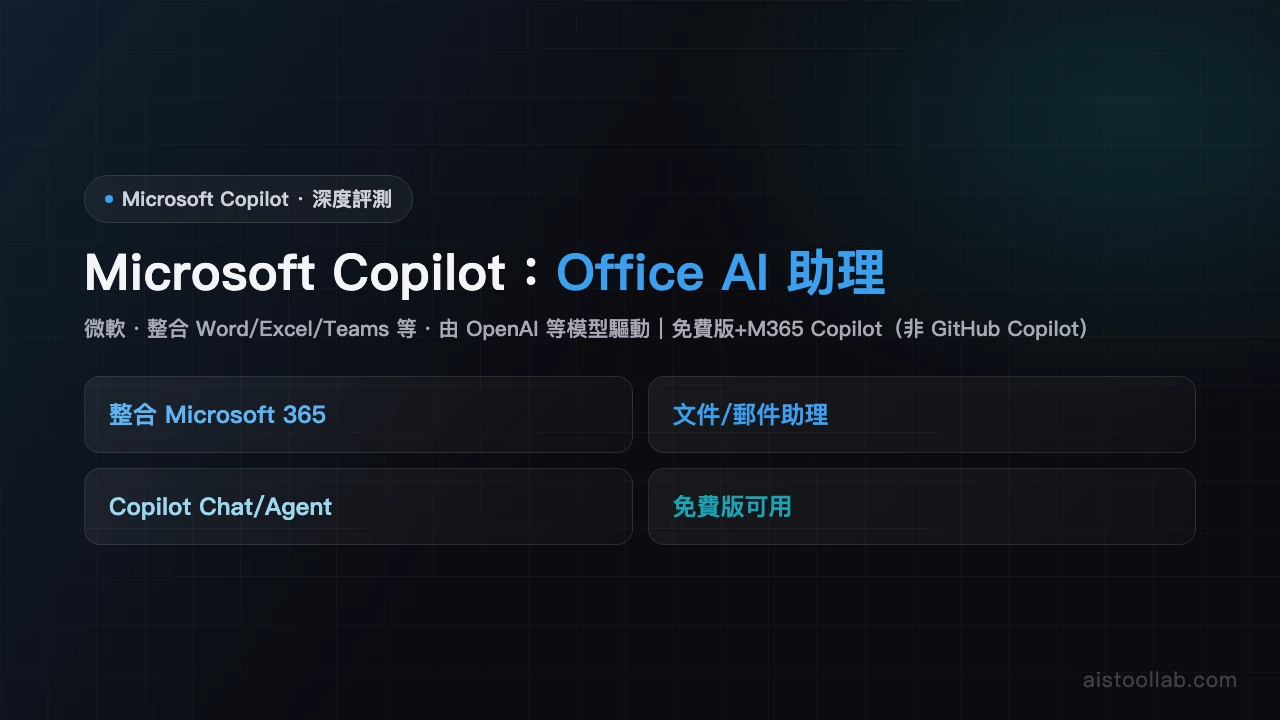
Microsoft Copilot Review Microsoft Copilot Review: Your AI Assistant for Office 365 Productivity Microsoft Copilot has emerged as a powerful contender in the conversational AI space, leveraging the capabilities of GPT-4o while maintaining deep integration with the Microsoft ecosystem. For Office 365 users and enterprise workers, this tool represents a significant productivity boost. With a strong 4.7/5 rating and a flexible pricing model, it's worth understanding whether Copilot deserves a place in your workflow. What Makes Copilot Stand Out At its core, Microsoft Copilot functions as a conversational AI assistant, but its real power lies in its seamless integration with Office 365 applications. Unlike standalone AI tools, Copilot works directly within Word, Excel, PowerPoint, and Outlook, allowing you to draft documents, analyze data, and compose emails without switching between windows. This integration is powered by GPT-4o, ensuring you're working with cutting-edge language model technology. The pricing structure is particularly attractive. A free tier provides unlimited access to core features, while the $30 monthly Pro plan unlocks advanced capabilities and priority support. This makes Copilot accessible whether you're a casual user or a power user demanding enhanced functionality. Core Features and Functionality Copilot excels at document writing and automation tasks. In Word, it can generate outlines, refine prose, and restructure content intelligently. Excel users benefit from data analysis assistance and formula generation. The tool also integrates with Windows itself, providing a system-wide AI assistant for broader productivity tasks. For enterprise workers managing complex workflows, this level of integration can be transformative. The deep Microsoft 365 integration means Copilot understands your documents' context and can provide personalized suggestions based on your actual files. This contextual awareness sets it apart from generic chatbots. User Experience: Strengths and Limitations Users consistently praise Copilot's intuitive interface and the convenience of having AI assistance built directly into familiar applications. The learning curve is minimal, especially for Microsoft 365 veterans. Response quality is generally excellent, powered by GPT-4o's advanced capabilities. However, some limitations warrant consideration. Copilot can be less flexible than ChatGPT for certain creative or unconventional requests. The tool sometimes errs on the side of caution, refusing tasks that other AI assistants might handle without hesitation. This conservative approach reflects Microsoft's enterprise-focused philosophy but may frustrate users seeking more permissive AI interactions. Additionally, while the integration with Microsoft products is a strength, it can feel restrictive if you use alternative productivity tools. Who Should Use Microsoft Copilot Copilot is purpose-built for Office 365 subscribers and enterprise workers. If you spend significant time in Word, Excel, PowerPoint, or Outlook, the integration benefits are substantial. Enterprise organizations already invested in Microsoft's ecosystem will find exceptional value. The tool shines for document drafting, data analysis, email composition, and workflow automation. Conversely, if you're a Google Workspace user or rely heavily on non-Microsoft tools, the integration advantages diminish considerably. Final Verdict Microsoft Copilot delivers impressive value, particularly for its target audience. The combination of GPT-4o's capabilities, deep Office 365 integration, and accessible pricing creates a compelling package. While it's not universally more flexible than competitors like ChatGPT, its contextual understanding and seamless workflow integration compensate. For Microsoft 365 users seeking to enhance productivity without disrupting their existing tools, Copilot is a smart investment.
Pros & Cons
Pros
  • Free and unlimited
  • Deep Microsoft 365 integration
Cons
  • Less flexible than ChatGPT
  • Sometimes overly cautious
Best For
Office 365 users and enterprise workers
FAQ
The free version offers basic chat and web search, while the $30/month paid version includes GPT-4o access, priority feature releases, and deeper integration with Office 365 applications. The paid plan is ideal for professionals needing advanced analysis and automation.
Copilot works directly within Word, Excel, and PowerPoint to generate outlines, optimize content, analyze data, and create presentations. Users receive real-time writing suggestions and editing assistance, significantly improving productivity.
Yes. Copilot in Excel can handle data transformation, chart generation, formula creation, and basic statistical analysis. The paid version with GPT-4o manages more complex tasks, though it has limitations for highly specialized data science work.
Copilot's main advantage is native integration with Windows and Office 365, allowing direct AI use within familiar applications. ChatGPT offers a more standalone experience. Both use powerful language models; your choice depends on your work environment and needs.
Yes. Copilot can automate email drafting, task scheduling, report generation, and data organization. Especially within Windows and Office apps, it learns user habits and suggests workflow optimizations to increase efficiency.

Ready to try Microsoft Copilot?

Get started for free today

Visit Tool
返回頂端