Google Gemini
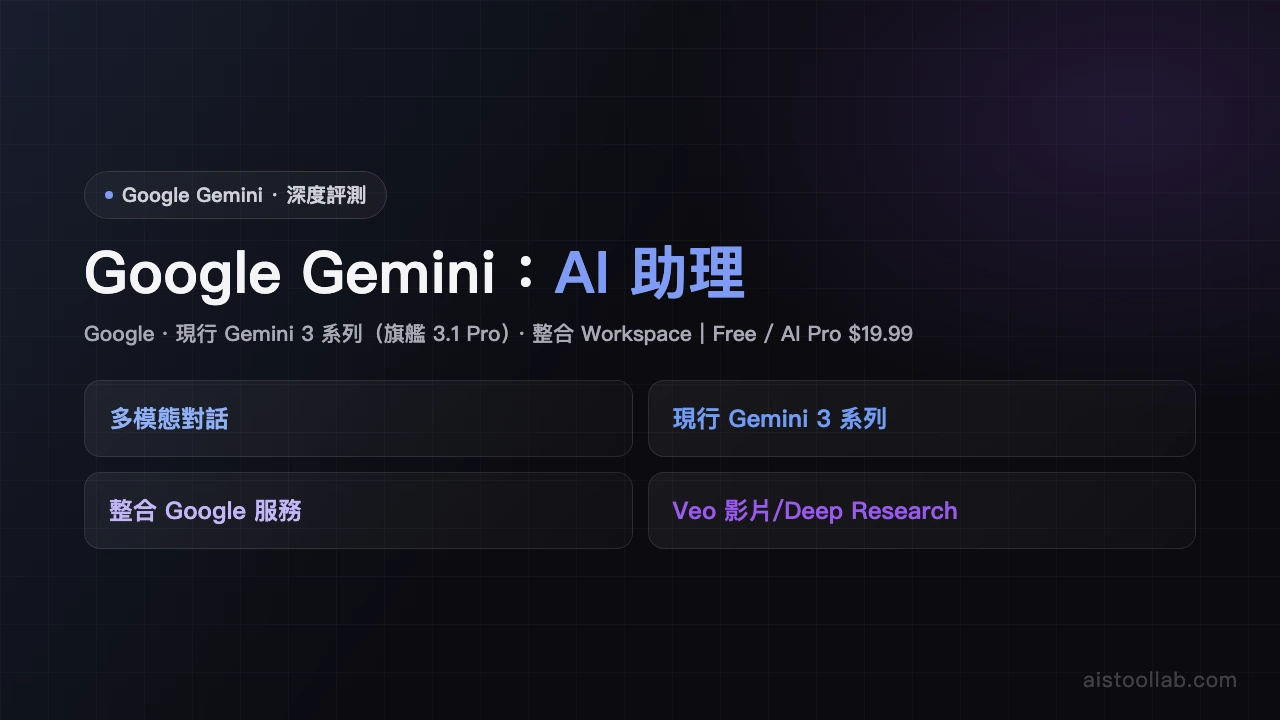
Google's most capable multimodal AI understanding text, images, video and code, deeply integrated with Google Workspace.
Visit ToolIn-Depth Review
Google Gemini Review
Google Gemini: Google's Multimodal AI Gets Serious
Google Gemini represents the search giant's bold answer to the conversational AI revolution. As Google's most capable AI model to date, Gemini brings impressive multimodal capabilities directly into the tools millions of people already use daily. But does it live up to the hype? After extensive testing, we've found a powerful tool that excels in specific scenarios while struggling in others.
What Makes Gemini Stand Out
The standout feature of Google Gemini is its deep integration with Google Workspace. Unlike competitors that feel tacked onto existing software, Gemini feels native within Gmail, Docs, Sheets, and Slides. This integration means you can analyze documents, generate presentations, and draft emails without leaving your workflow. It's genuinely convenient and saves time for power users.
The multimodal capabilities are equally impressive. Gemini understands text, images, video, and code with remarkable competence. You can upload a screenshot of buggy code and receive detailed debugging suggestions. Feed it a diagram and it'll interpret the content accurately. This versatility makes it valuable for creative professionals, developers, and researchers who work across multiple content types.
For developers specifically, Gemini punches above its weight. It excels at code generation, debugging, and explanation. Whether you're wrestling with Python, JavaScript, or more exotic languages, Gemini provides thoughtful, accurate assistance. The coding community has largely embraced it as a legitimate alternative to specialized coding assistants.
Where Gemini Falls Short
However, Gemini isn't without flaws. The most significant issue is inconsistent performance with non-English languages. Users report that outputs in Spanish, French, German, and other languages frequently contain grammatical errors and sometimes miss context entirely. For a company as globally focused as Google, this limitation feels inexcusable.
The free tier is also restrictive. While you get access to Gemini's core functionality, usage limits are tight and advanced features require a paid subscription. Google's $20 monthly pricing is reasonable compared to competitors, but the free tier doesn't provide enough value to truly test whether Gemini suits your needs before committing.
User Experience and Accessibility
Using Gemini is straightforward. The interface is clean and intuitive, mirroring Google's design philosophy. Response times are generally fast, and the AI's outputs are coherent and well-structured. However, the learning curve for maximizing Workspace integration can be steep for users unfamiliar with how these tools work together.
Who Should Use Gemini?
Gemini is ideal for Google Workspace subscribers who want AI assistance within their existing ecosystem. If you live in Gmail, Docs, and Sheets, Gemini becomes genuinely useful rather than another tool to switch between. Developers will find substantial value in its coding capabilities. However, if you need strong multilingual support or use competing office suites, alternatives may serve you better.
Final Verdict
Google Gemini is a capable, well-integrated conversational AI that delivers on its promise for a specific audience. The 4.8/5 rating reflects genuine quality, though it doesn't address every use case. For Google Workspace users and developers, Gemini deserves a spot in your toolkit. Others should explore alternatives before committing financially.
Pros & Cons
Pros
- Deep Google ecosystem integration
- Excellent at coding
Cons
- Inconsistent non-English output
- Restrictive free tier
Best For
Google Workspace users and developers
FAQ
The free version offers basic conversational and text analysis features but includes daily usage limits. The paid version ($20/month) provides higher usage quotas, priority support, and enhanced multimodal capabilities.
Gemini supports text, images, video, and code analysis. You can upload images for visual recognition, analyze video content, or get assistance with code review and optimization.
Gemini can assist with email composition directly in Gmail, support content creation in Google Docs, and enable data analysis in Google Sheets. This deep integration boosts productivity without switching between multiple applications.
Gemini excels at content creation, coding assistance, image and video analysis, research queries, and real-time information retrieval via Google Search. It's particularly valuable for users already embedded in the Google ecosystem.
Gemini's key advantages are native multimodal capabilities, seamless Google Workspace integration, and real-time information access via Google Search. It's especially beneficial for users needing to integrate Gmail, Docs, and Sheets.
Related Tools
Related Articles