
GitHub Copilot
GitHub's (Microsoft) AI coding assistant with code completion, Copilot Agent and a choice of models, deeply integrated with VS Code, JetBrains and more; usage-based billing from June 2026.
Visit Tool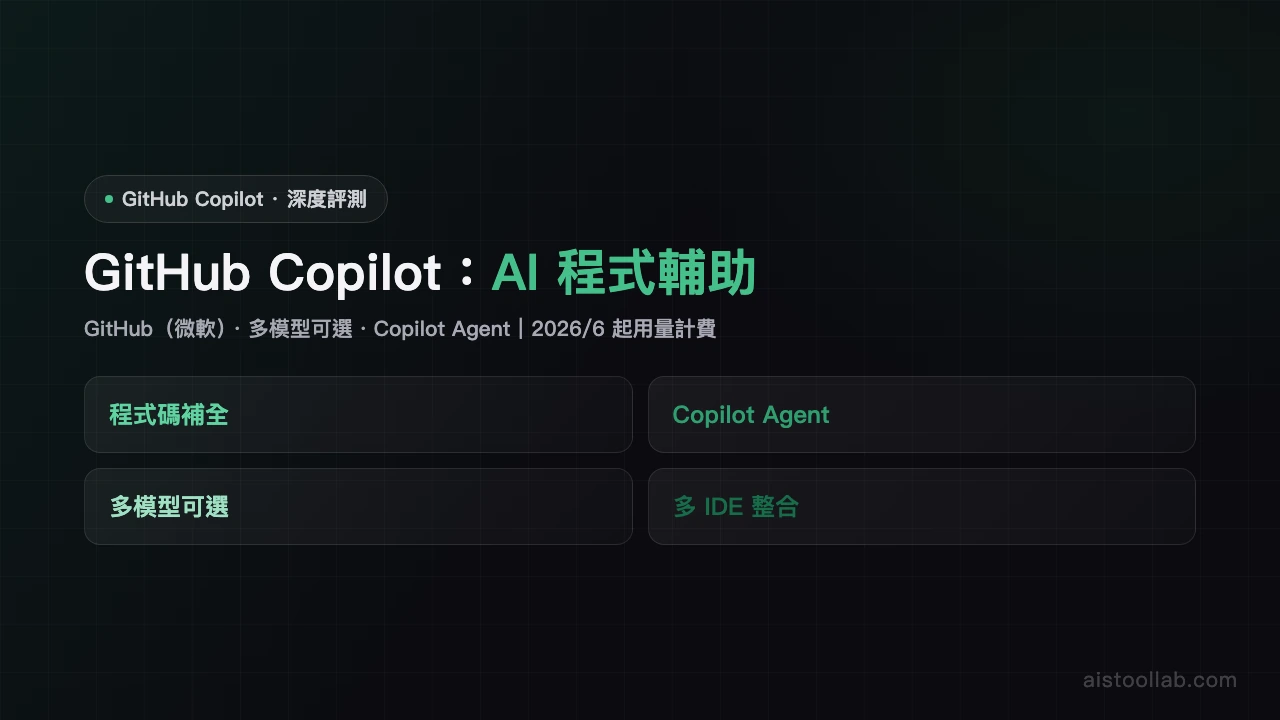
In-Depth Review
GitHub Copilot Review: AI Coding AssistantGitHub Copilot is GitHub's (a Microsoft company) AI coding assistant offering code completion, Copilot Chat and Copilot Agent, with a choice of models (powered by OpenAI, Anthropic and Google models). Compiled from official and public sources; specs and pricing per the official site and subject to change (verified 2026-06-06).Core featuresCode completion: real-time completion and next-edit suggestions.
Copilot Agent/Chat: conversational help, agentic edits, cloud agent and code review.
Multiple models: switch between OpenAI, Anthropic (Claude), Google and more.
Multi-IDE: VS Code, JetBrains, Visual Studio, CLI and more.ExperienceDeeply integrated with mainstream IDEs, with smooth completion and chat; GitHub's own research indicates it can speed up development (actual results vary by project and use).PricingSubscription (USD): Free $0 (2,000 completions and 50 chats per month), Pro $10/mo ($15 AI credits; new sign-ups currently paused), Pro+ $39/mo, Max $100/mo, Business/Enterprise custom. From June 1, 2026 all plans move to usage-based billing (AI Credits). Pricing per the official site; currency varies by region and is subject to change (github.com/features/copilot/plans).Who it's forIndividual developers, teams and enterprises who want AI completion and agent help inside their existing IDE.Bottom lineGitHub Copilot is deeply IDE-integrated with multiple models and moves to usage-based billing in June 2026; Pro new sign-ups are paused, so check plan status before buying. Confirm exact features and pricing on the official site.
Pros & Cons
Pros
- Highly accurate code completion
- Deep VS Code integration
Cons
- Requires payment
- Some suggestions need manual review
Best For
Professional developers using VS Code
FAQ
Code completion, Copilot Chat and Copilot Agent (agentic edits, cloud agent, code review), with a choice of models.
Free $0, Pro $10/mo (new sign-ups currently paused), Pro+ $39/mo, Max $100/mo, Business/Enterprise custom; usage-based from June 2026. Per the official site; subject to change.
A choice of OpenAI, Anthropic (Claude), Google and more (per the official site).
Yes, Free $0 with 2,000 completions and 50 chats per month; more needs a paid plan.
GitHub (a Microsoft company), powered by OpenAI, Anthropic and Google models.