Home AI Tools About Submit Your AI

Figma AI

Design Pricing: Free/$15/$45
4.6

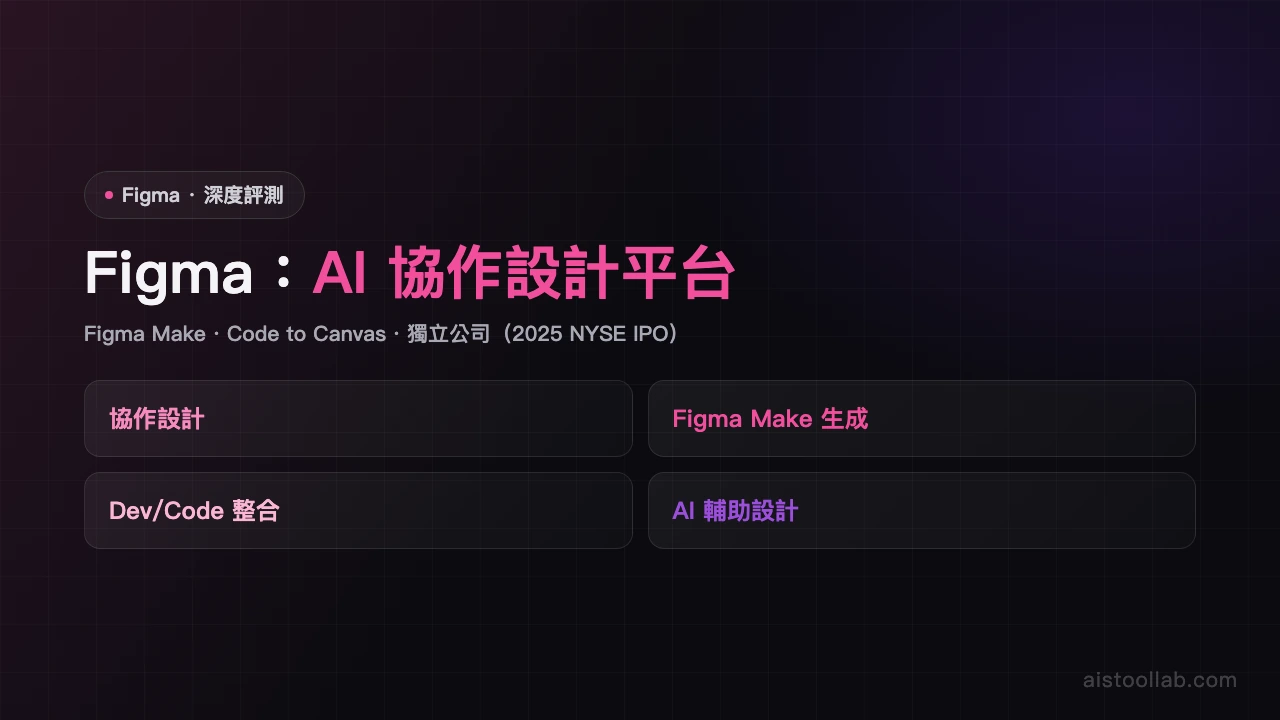
Collaborative design platform with built-in AI: Figma Make generates interactive prototypes from text, while AI assists with auto-naming, suggestions, and style generation.

Visit Tool
In-Depth Review
Figma AI Review - Complete Analysis for Designers Figma AI Review: Intelligent Design Features for Modern Teams Introduction Figma has long been the go-to collaborative design platform for UI/UX designers and product teams worldwide. With the integration of AI capabilities, the platform now offers intelligent features that streamline the design process—from generating interactive prototypes to automating naming conventions. This review examines how Figma's AI tools enhance the design workflow and whether they deliver genuine value beyond the hype. What Is Figma AI? Figma AI represents a suite of artificial intelligence features embedded within the broader Figma design platform. Rather than being a standalone tool, these capabilities are woven into Figma's existing interface, available across free and paid tiers with varying levels of functionality. The platform maintains its core strength as a cloud-based collaborative design tool while adding machine learning-powered features to accelerate common design tasks. Core AI Features and Capabilities Figma Make: Prototype Generation from Text The flagship AI feature is Figma Make, which converts text descriptions into interactive prototypes. Users can describe what they want—"a product card with an image, title, price, and add-to-cart button"—and the tool generates a functional design component. This dramatically reduces the time spent on initial wireframing and layout decisions. However, it's important to note that outputs typically require refinement. The generated prototypes serve as strong starting points rather than production-ready designs, which is a realistic expectation for any AI design tool. AI Auto-Naming Organizing design layers with meaningful names is tedious but essential for team collaboration. Figma's AI auto-naming feature automatically generates descriptive names for layers based on their content and position. This saves significant time during design handoff and makes design files more navigable for team members, especially in large projects with hundreds of components. Design Suggestions and Style Generation The platform provides contextual design suggestions as you work, offering spacing recommendations, color palette ideas, and typography pairings. The AI also assists with style generation, helping teams establish and maintain consistent design systems by suggesting when elements should share styles or when new styles should be created. Strengths and Advantages Industry-standard foundation: Even without AI features, Figma remains the collaborative design tool of choice for most professional teams. The AI enhancements are valuable additions to an already robust platform. Seamless integration: AI features are native to Figma's interface, not awkward add-ons. They work within existing workflows without requiring context switching or external tools. Real time-saving potential: Auto-naming and design suggestions genuinely reduce manual, repetitive work. For teams working on large design systems, these features offer measurable efficiency gains. Prototype acceleration: Figma Make genuinely speeds up the initial design phase, helping teams move from concept to interactive prototype faster. Free tier availability: Some AI features are accessible on the free plan, allowing individual designers and small teams to experiment without paid commitment. Limitations and Considerations Paid plan requirement: Full AI functionality requires the Professional ($15/month) or Organization ($45/month) plans. The free tier has limited access to these features. Manual refinement needed: Figma Make outputs serve as starting points, not finished work. Designers still spend considerable time refining generated prototypes to match brand standards and design intent. Learning curve: Understanding how to effectively prompt Figma Make for optimal results requires experimentation. Vague descriptions yield mediocre outputs. Design uniqueness: The tool works best for common UI patterns. Highly specialized or innovative designs may require more manual input than standard components. Pricing Structure Figma offers three pricing tiers: Free, Professional ($15/month per editor), and Organization ($45/month per editor). The free plan includes basic project creation and limited viewing. Professional adds unlimited projects, advanced prototyping, and access to most AI features. Organization includes team administration, shared components, and full AI capabilities. While AI features aren't exclusively premium, the most powerful options like advanced Figma Make functionality require paid plans. Who Should Use Figma AI? Figma AI is ideal for UI/UX designers, product designers, and product teams building digital products at scale. It's particularly valuable for teams creating design systems, working on component libraries, or managing large collaborative projects. Individual designers exploring AI-assisted design will also find value, especially those already using Figma as their primary tool. Teams seeking to accelerate prototype development without sacrificing quality control will see the strongest ROI. Verdict Figma AI successfully enhances an already excellent design platform with genuinely useful artificial intelligence features. Figma Make is a capable prototype generator that accelerates early-stage design work, while auto-naming and style suggestions reduce tedious manual tasks. The integration is seamless and the features address real pain points in the design process. However, manage expectations appropriately. These are productivity amplifiers, not replacements for designer judgment. Figma Make requires prompting skill and refinement work. The AI suggestions are helpful but aren't a substitute for design expertise or brand knowledge. For professional design teams already invested in Figma, the AI features justify upgrading to a paid plan. For teams still evaluating design tools, Figma's combination of collaborative capabilities and AI assistance makes it a strong choice in an increasingly competitive landscape. The real value emerges when teams understand how to integrate these tools into their existing workflows rather than relying on them as standalone solutions.
Pros & Cons
Pros
  • Industry-standard collaborative design tool
  • Figma Make generates prototypes from text
  • AI auto-naming and design suggestions
Cons
  • Full AI features require paid plan
  • Make outputs still need manual refinement
Best For
UI/UX designers and product teams
FAQ
Figma AI features are integrated into Figma's existing subscription plans. Free users have access to basic AI features, while Professional and Organization plans offer advanced capabilities. Check figma.com for current pricing details.
Yes. Figma offers a free account tier where you can experience basic AI features. Sign up for the free version to start using AI-assisted design tools immediately. Upgrade to paid plans to unlock advanced capabilities.
Figma AI primarily accelerates design workflows through automating design tasks, generating design variations, intelligent layout suggestions, color recommendations, and content generation. It helps designers boost productivity and focus on creative work.
Figma AI is integrated directly into a collaborative design platform, offering seamless AI assistance. Compared to Adobe XD or Sketch, Figma emphasizes team collaboration and cloud-based work. AI features operate within Figma's unified environment, enhancing workflow efficiency.

Ready to try Figma AI?

Get started for free today

Visit Tool
返回頂端