Descript
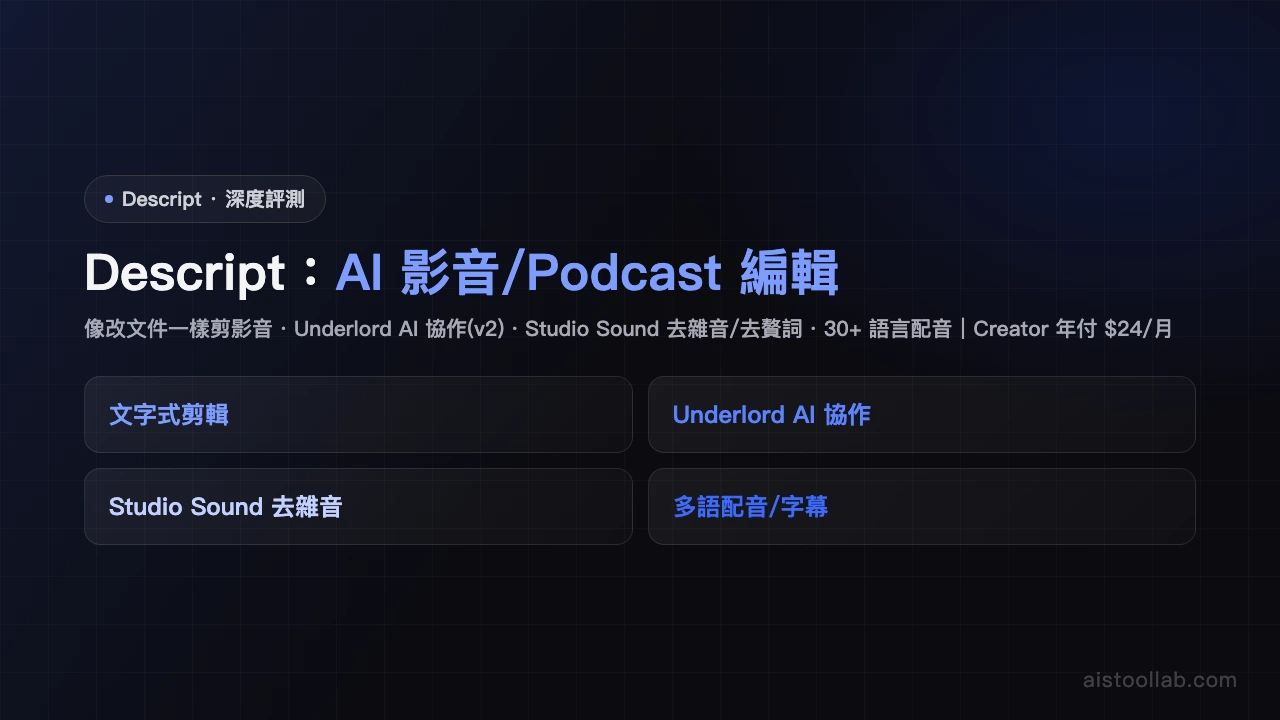
Revolutionary audio/video editor where editing the transcript edits the video, with AI voice cloning and noise removal.
Visit ToolIn-Depth Review
Descript Review - AI Tool Lab
Descript: The Revolutionary Audio/Video Editor That Changes Everything
In the world of content creation, few tools manage to genuinely disrupt the way creators work. Descript is one of them. This innovative platform treats audio and video editing like document editing—allowing you to trim, cut, and reorganize your content simply by editing the transcript. It's a paradigm shift that feels almost magical once you experience it, and it's quickly becoming indispensable for content creators everywhere.
What Makes Descript Different?
At its core, Descript combines four powerful capabilities into one seamless workflow. First, there's automatic transcription that converts your audio or video into editable text. Then comes the magic: edit the transcript, and the video automatically adjusts. Remove a sentence from the transcript, and that section vanishes from your video. It's that intuitive. Beyond editing, Descript includes AI-powered voice cloning that lets you generate speech in your own voice, and advanced noise removal that cleans up background audio without sacrificing quality.
Core Features Worth Exploring
Transcript-Based Editing: The flagship feature that makes video editing accessible to everyone, not just technical experts
AI Voice Cloning: Create natural-sounding voiceovers in your own voice, perfect for corrections or additions without re-recording
Noise Removal: Studio-quality audio cleanup powered by AI, eliminating background noise intelligently
Collaboration Tools: Share projects and gather feedback directly within the platform
Multi-format Support: Works with videos, podcasts, and audio files seamlessly
User Experience: Intuitive But Feature-Rich
The learning curve is remarkably gentle. Within minutes, most users grasp the core concept and can start editing. The interface strikes an excellent balance between simplicity and power—beginners won't feel overwhelmed, while professionals will appreciate the depth available. The transcript editor feels like using Google Docs, which is both comfortable and efficient. However, discovering advanced features sometimes requires exploration, and the documentation could be more comprehensive.
Pricing and Limitations
Descript's freemium model is genuinely generous. The free tier gives you substantial functionality, while the paid plan ($24/month) unlocks advanced features like AI voice cloning and premium exports. One notable limitation: Traditional Chinese transcription accuracy lags behind English, which matters if that's your primary language. Additionally, some creators find that the most powerful AI features sit behind the paywall, which might feel restrictive if you're testing the platform seriously.
Who Should Use Descript?
This tool is tailor-made for podcast hosts and video content creators who prioritize efficiency. If you spend hours editing video or audio, Descript could cut that time significantly. It's also excellent for creators who aren't video editing experts but want professional-quality results. Anyone managing multiple languages should test extensively first, particularly with non-English content.
Final Verdict
Descript deserves its 4.6/5 rating. It's genuinely innovative, saves considerable time, and makes quality content creation more accessible. The paid features are reasonable, and the free tier is substantial. While transcription accuracy issues with certain languages and some paywall limitations exist, they don't diminish what makes Descript special. If you create audio or video content regularly, Descript isn't just worth trying—it's essential.
Pros & Cons
Pros
- Video editing and transcription in one
- Edit video like editing text
Cons
- Limited Traditional Chinese transcription accuracy
- Advanced features paywalled
Best For
Podcast hosts and video content creators
FAQ
The free plan includes basic transcript editing and video trimming, but has monthly usage limits and watermarks. The paid plan ($24/month) unlocks unlimited usage, premium AI voices, and priority support.
Descript's AI voice supports English, Spanish, French, German, Japanese, and several other languages. Traditional Chinese support is still in development, but the platform continues expanding language options.
Yes, absolutely. Descript is particularly well-suited for podcasters with auto-transcription, noise removal, and multi-track editing. You can edit the transcript directly to remove filler words or adjust content.
Descript's key difference is its 'text-first' editing approach—editing the transcript edits the video without traditional timeline manipulation. This is more intuitive for content creators and podcasters, though it lacks the advanced features of professional software.
Descript's AI-powered noise removal effectively eliminates background noise, wind, and ambient sounds. It's sufficient for most content creation needs, though results may be limited in extremely noisy environments.
Related Tools
Related Articles