Home AI Tools About Submit Your AI

Murf AI

Voice AI Pricing: Free/$29
4.6

Professional AI voice generation with 120+ realistic voices, tone adjustment and video narration support.

Visit Tool
Murf AI - AI's Tool Lab
In-Depth Review
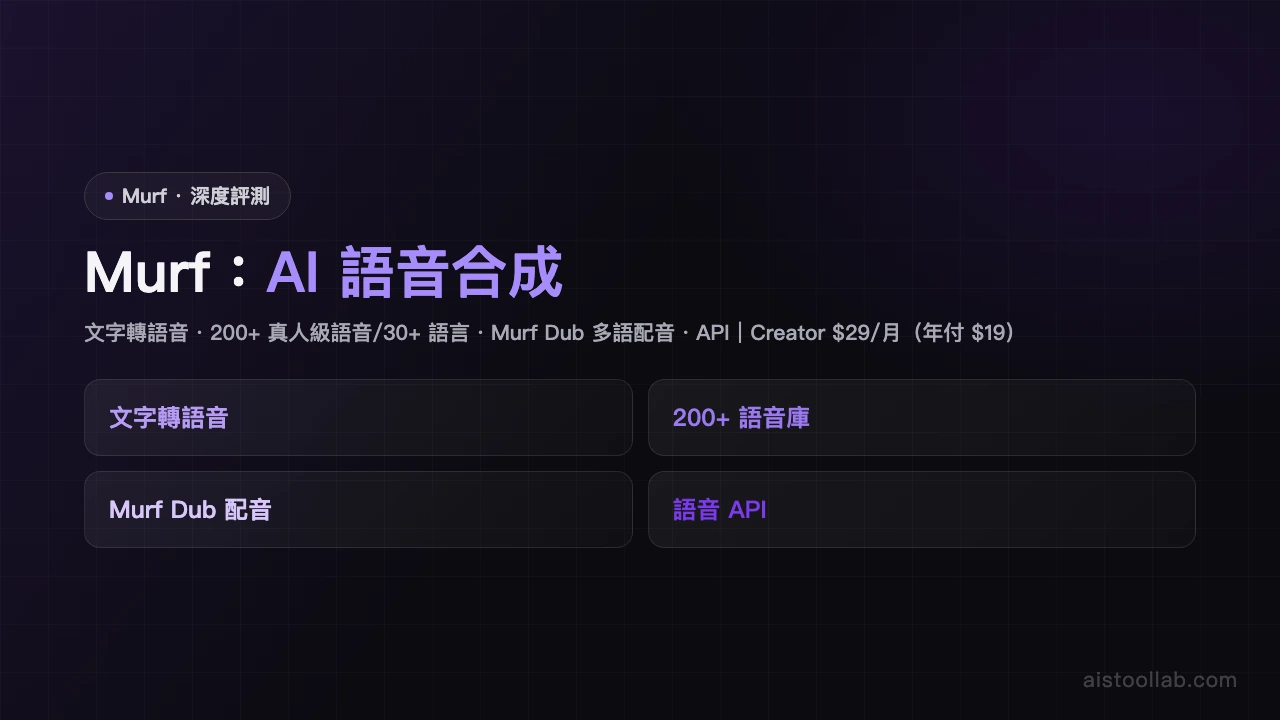
Murf AI Review - Professional Voice Generation Tool Murf AI Review: Professional Voice Generation for Content Creators In an increasingly digital world, high-quality audio narration has become essential for content creators, marketers, and audiobook producers. Murf AI positions itself as an accessible solution for generating professional voiceovers without the need for expensive studio equipment or hiring voice actors. With a solid 4.6/5 rating and pricing starting at free, it's worth examining whether this tool delivers on its promises. What is Murf AI? Murf AI is a cloud-based voice generation platform that leverages artificial intelligence to produce realistic, natural-sounding speech. The tool boasts over 120 pre-recorded AI voices across multiple languages and accents, making it versatile for global audiences. Beyond simple text-to-speech conversion, Murf AI offers tone adjustment capabilities and seamless integration with video projects, positioning it as a comprehensive solution for multimedia content creation. Core Features That Stand Out The platform's most impressive feature is its extensive voice library. With 120+ voices to choose from, users have considerable flexibility in matching narration to their brand voice or content style. The tone adjustment feature deserves particular praise—it allows creators to modify emotional undertones, pacing, and emphasis, adding nuance that generic text-to-speech tools often lack. Video narration support is another significant advantage. Users can directly upload videos and add synchronized voiceovers, eliminating tedious export-import workflows. This integration streamlines the entire production process, particularly valuable for marketing professionals working on tight deadlines. The interface supports both script uploading and direct text input, accommodating various working preferences. User Experience: Accessibility Meets Functionality Murf AI's greatest strength is its user-friendly interface. The dashboard feels intuitive even for newcomers to AI voice generation. Creating a basic voiceover requires minimal clicks: select a voice, input text, adjust tone parameters if desired, and generate. This simplicity doesn't sacrifice functionality—power users will find adequate customization options without overwhelming casual users. The generated audio quality is genuinely impressive. Voices sound natural and human-like, with appropriate inflection and pacing. This represents a significant leap forward from robotic-sounding earlier-generation text-to-speech systems. However, some users may occasionally detect subtle AI artifacts, particularly in complex sentences or unfamiliar terminology. Limitations to Consider While Murf AI excels in user experience, it does face some competitive disadvantages. The voice variety, though extensive at 120+ options, falls short compared to competitors like ElevenLabs, which offers more voices and deeper customization. Advanced features like voice cloning or extensive prosody control remain absent, limiting options for users seeking cutting-edge capabilities. The free tier provides genuine value but includes reasonable limitations on monthly credits and output quality. The $29 paid tier represents reasonable value, though users requiring high-volume production may find per-credit costs accumulate quickly. Who Should Use Murf AI? Murf AI shines brightest for audiobook creators seeking professional-quality narration without hiring voice talent, and marketing professionals producing video content needing quick, reliable voiceovers. Small-to-medium businesses will appreciate the balance of affordability and quality. It's less suitable for projects demanding highly specialized voice characteristics or advanced customization capabilities. Final Verdict Murf AI represents a solid, user-friendly voice generation solution that delivers professional results at accessible pricing. While it doesn't lead the market in advanced features, its combination of natural-sounding voices, intuitive interface, and video integration makes it an excellent choice for content creators prioritizing ease-of-use and quick turnaround times. Rating: 4.6/5 is well-deserved.
Pros & Cons
Pros
  • User-friendly interface
  • Natural realistic voice output
Cons
  • Fewer voice varieties than ElevenLabs
  • Limited advanced features
Best For
Audiobook creators and marketing video voiceovers
FAQ
The free version offers basic voice generation with limited voice selection and monthly usage caps, plus watermarks on exports. For unlimited access and the full 120+ voice library, upgrading to the $29/month plan is recommended.
Yes, Murf AI is specifically designed for video narration. You can upload your video or script, select an AI voice, adjust the tone and pacing, and export the narrated video directly.
The tone adjustment feature allows you to control emotional expression, speech rate, pitch, and emphasis, making the generated voiceover better match your content style and audience expectations.
Absolutely. Murf AI offers diverse realistic voices and flexible tone control, making it popular among podcasters and content creators for intros, transitions, and character voicing.
Murf AI stands out with its extensive 120+ high-quality voice library, professional video integration features, and intuitive interface, making it ideal for educators and creators needing fast, professional-quality narration.

Ready to try Murf AI?

Get started for free today

Visit Tool
返回頂端